Questions
Is my email uploaded anywhere?
No. This site is static files with no server of its own. The browser reads the file on your computer.
Can I open a .msg from Google Drive?
Yes. In Drive, connect the viewer once from its page, then right-click a .msg file and choose Open with. The file goes from Google straight to your browser.
Does it work on a Mac or a Chromebook?
Yes. It needs only a browser, so it works where Outlook is not installed.
Why does my computer say it cannot open .msg?
The .msg type belongs to Outlook. Where Outlook is not installed, there is usually no program set up to open it.
Is it free?
Reading messages and saving attachments is free. Pro, a one-time $14.99, adds printing the whole message, to paper or PDF, with the sender, recipients, date and attachment names on top.
Can I save the attachments?
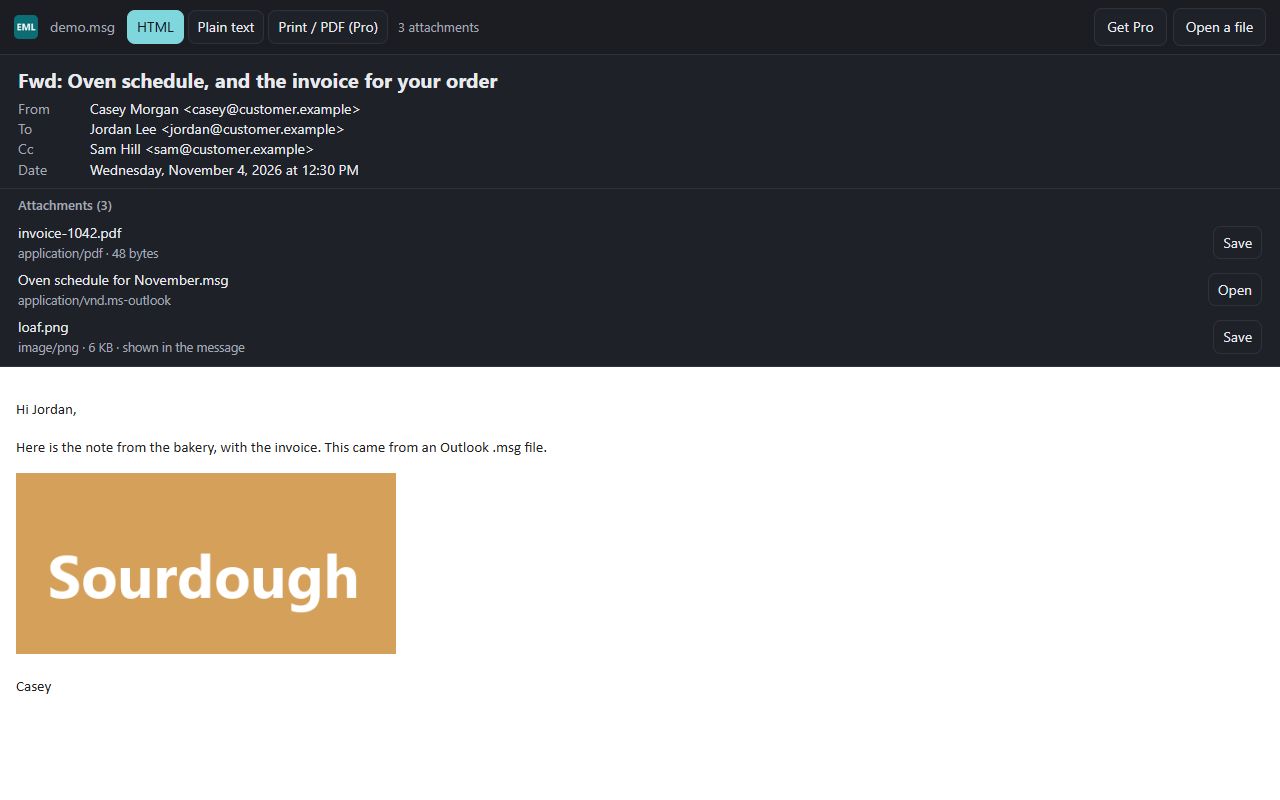
Yes. Each attachment is listed with its type and size and has its own Save button. A winmail.dat is listed and can be saved, but it is not unpacked.
Can I open a .pst file?
No. Mailbox files (.pst, .mbox) do not open; the viewer reads one message at a time.
 EML & MSG Viewer