
EPUB Reader

EPUB Reader › Guides

Open an EPUB file on a Chromebook

Chrome OS does not come with an e-book app, and Chrome will not show an .epub by itself: double-clicking the file in the Files app gets you nowhere. The reader on this site opens it in a browser tab, with nothing to install and nothing uploaded.

No account, no Linux container, no Android app. The same reader works on Chrome, Edge and Firefox on any computer.
Three ways, depending on where the book is

The file is in Downloads

Open the reader and drag the .epub from the Files app onto the page, or click Open book… and pick it. It stays in your library in this browser.

The book is in Google Drive

In Drive on the web, right-click the file and choose Open with → EPUB Reader. The Chromebook's Files app shows the same Drive folders, so the file does not have to be downloaded first. How the Drive app works

You read often

Install the extension from the Chrome Web Store. It keeps the library in your browser, opens with one click from the toolbar, and works with no connection at all.

Why a browser reader suits a Chromebook

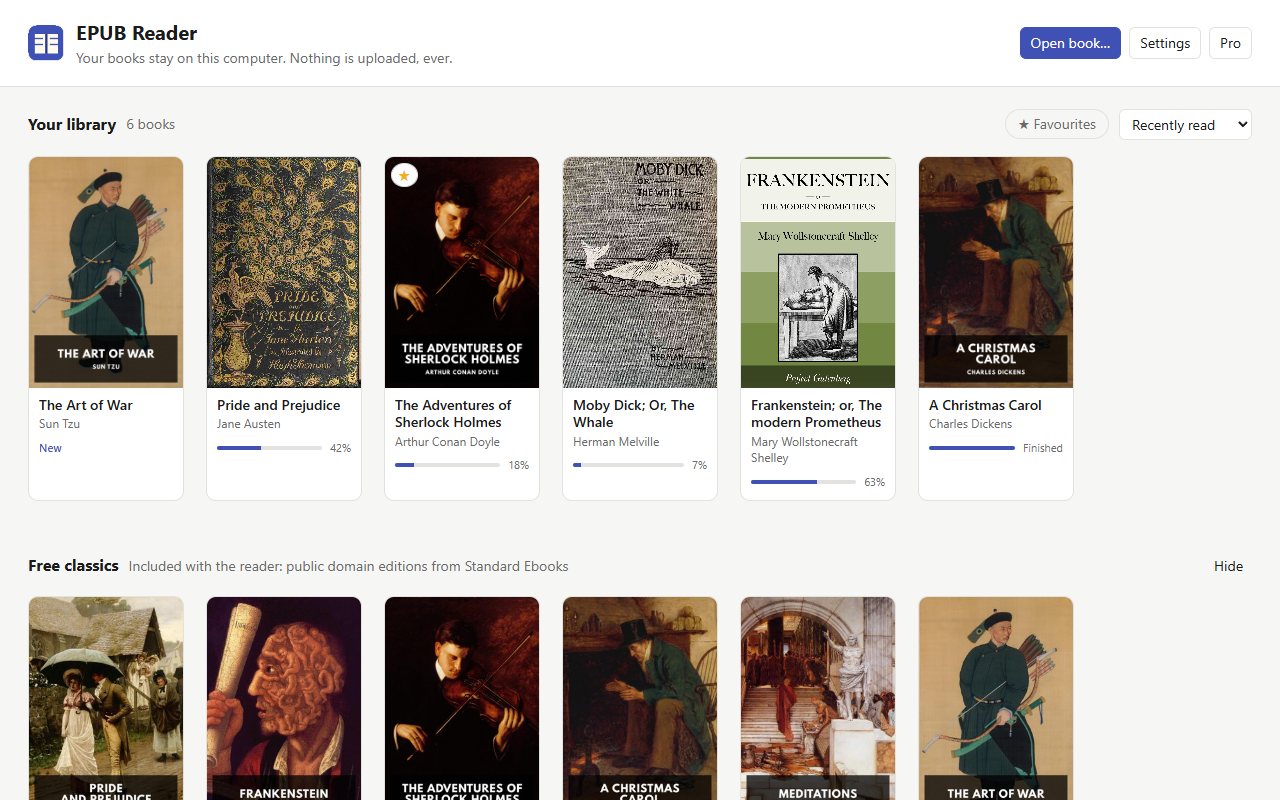
The library with book covers and reading progress
Your library, with covers and progress

What it will not do

  • It does not open copy-protected books, and it does not remove copy protection. A book from a store that locks its files needs that store's own app.
  • Your library lives in this browser's storage. Clearing the site's data removes it, and a second Chromebook starts empty. On the extension, Pro carries your settings and reading positions between browsers you are signed into.
  • Read aloud uses the voices your Chromebook already has, and the free version gives three minutes a day. Pro, a one-time purchase, removes the limit.

Questions

Can I read without a connection?

The extension can: once it is installed, everything it needs is on the Chromebook. The web reader has to load its page first, so open it while you are online; after that the book itself is read from the browser's own storage.

Where are my books kept?

In this browser, in its own database (IndexedDB) for this site. Nothing is sent anywhere, and there is no account to create.

Does it work on a school or work Chromebook?

The web reader is an ordinary page, so it works wherever the browser can reach this site. Installing the extension needs permission to install extensions, which a managed Chromebook may not give.

Is it free?

Yes, and the whole reader works without paying. Pro is a one-time purchase that adds unlimited read aloud, highlight export to Markdown and reading statistics.

More guides