
EPUB Reader › Guides
Most ways to read an .epub ask you for something first: an app to install, an account to make, or the file itself to upload. This one is a page. Drop a book on it and read, and the file stays in your browser.
Free, no sign-up, no upload. Six public-domain classics are already on the shelf if you have no book at hand.
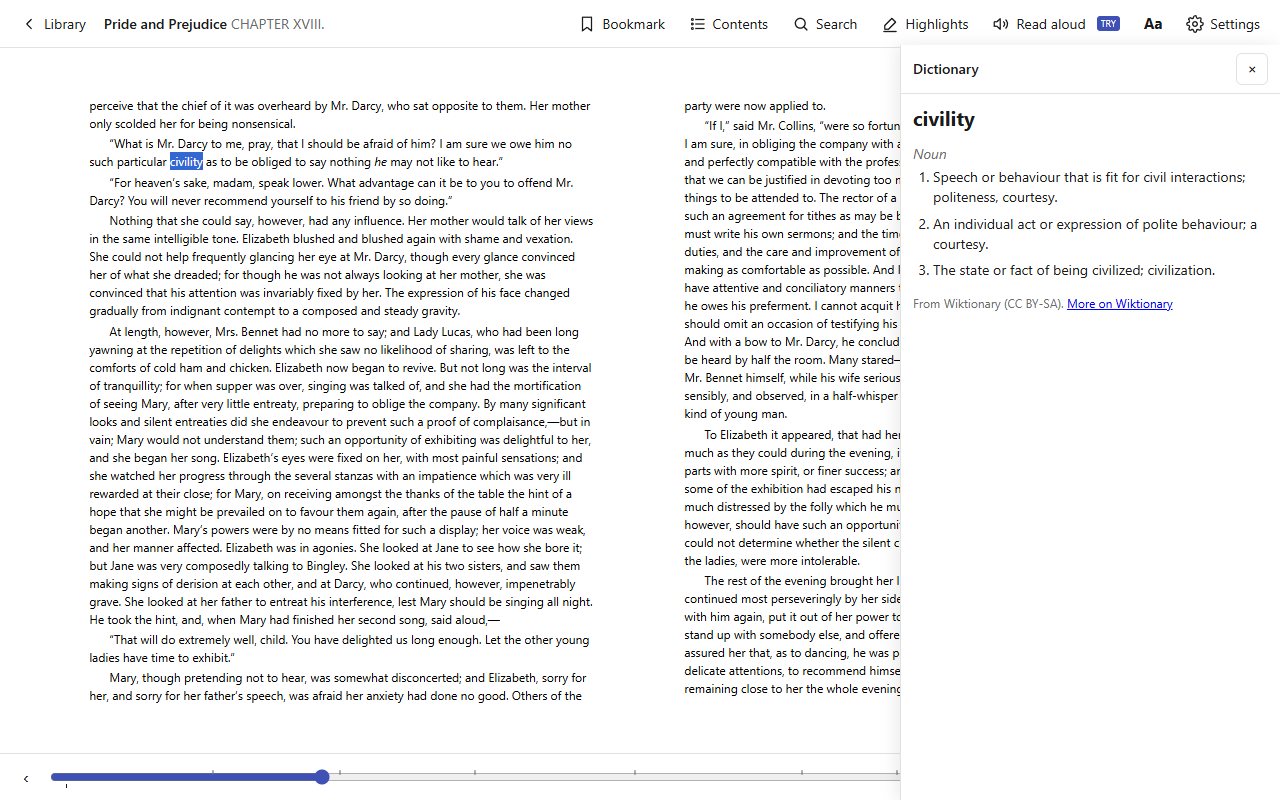
The reader loads in any current browser on Windows, macOS, Linux, Chrome OS or a phone.
Drag a file onto the page, or click Open book…. No book? Pick one of the six classics on the shelf.
The book, your place, your highlights and your notes are in this browser. Reopen the page and carry on where you stopped.
No. This site is static files with no server of its own, so there is nowhere to upload to. The file is opened by the browser and stored by the browser.
Yes, it runs in a phone browser and the library and the reading page are laid out for small screens. A book you add on your phone stays on that phone.
Yes, with the Drive version of the same reader. How that works
Nothing. They are public-domain editions from Standard Ebooks, included with the reader, and you can hide the shelf if you do not want it.